Back to Guides
For Vets3 min read · 6 steps
Claim Your Practice Profile
Your clinic is probably already listed on PetCare.AI. Here’s how to claim it, get verified, and start managing your profile and bookings.

1
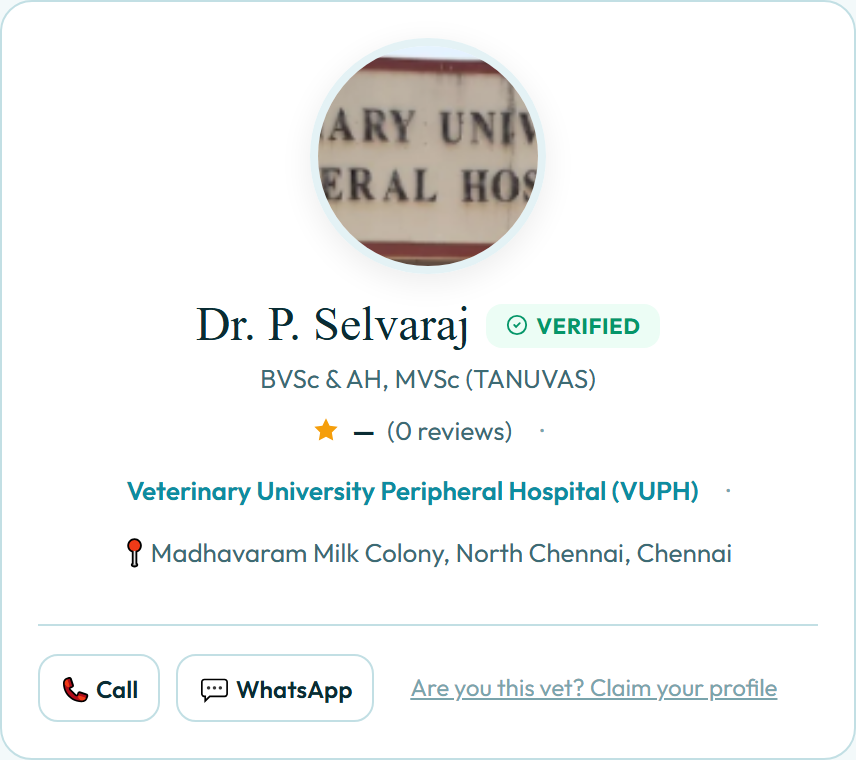
Find your listing
- ✓Search PetCare.AI for your own name or your clinic — most practices are already there.
- ✓Open the profile and look for the claim link beside your contact buttons.
- ✓It only appears on profiles nobody has claimed yet.
2
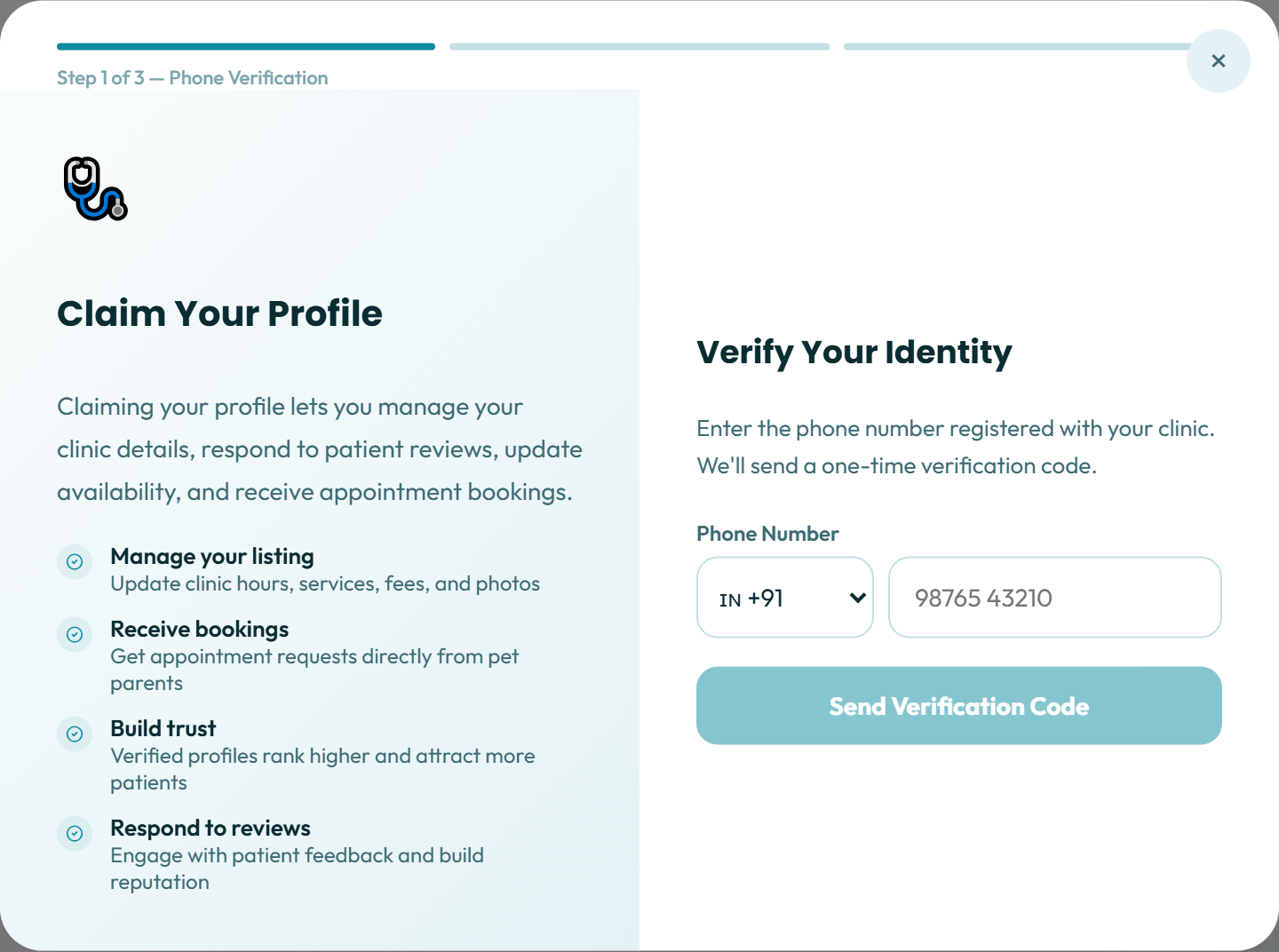
Start your claim
- ✓Claiming lets you manage clinic details, respond to reviews and take bookings.
- ✓The claim runs in three short steps — this is the first.
- ✓Enter the phone number registered with your clinic.
3
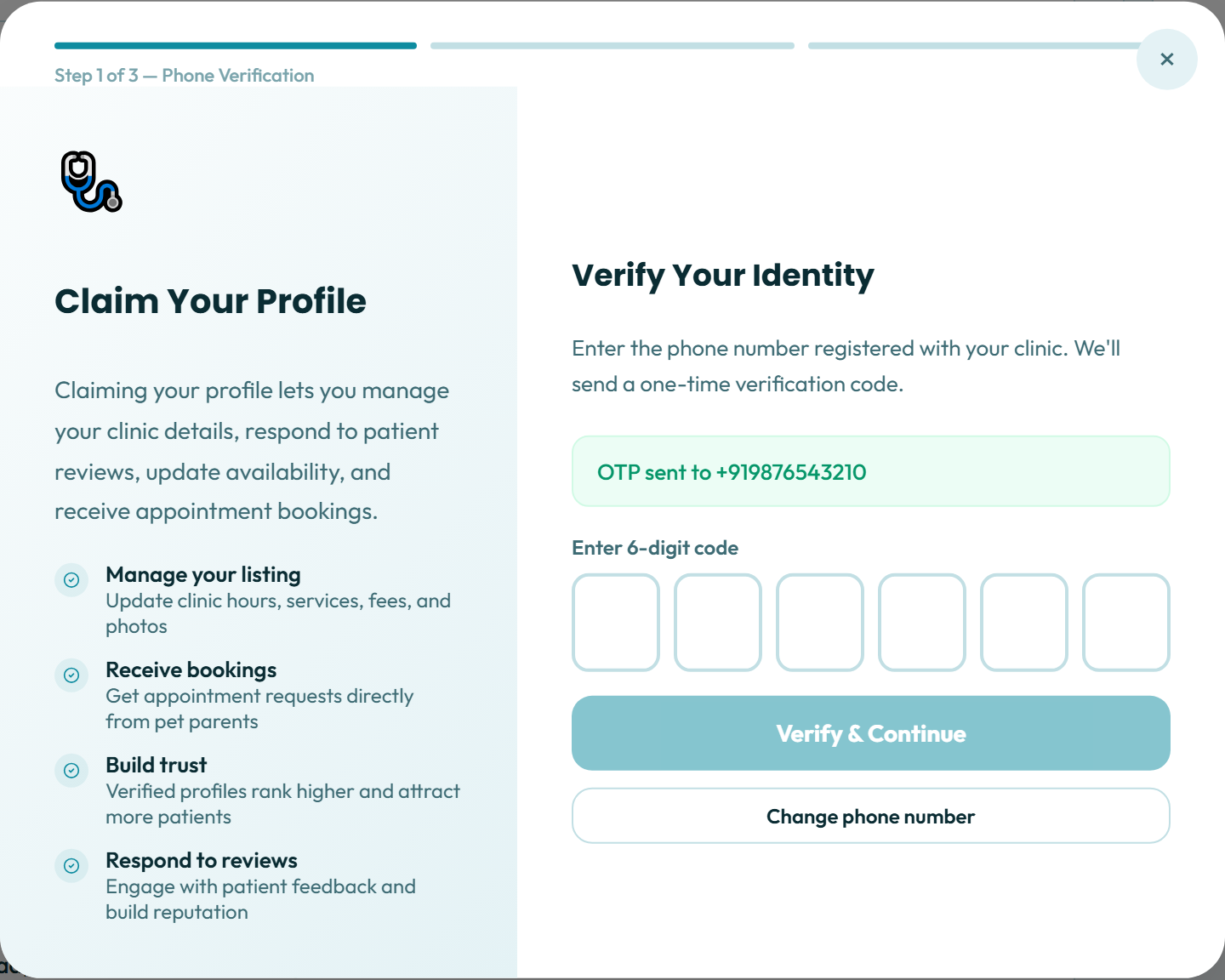
Verify it’s really you
- ✓We send a six-digit code to that clinic number.
- ✓Entering it proves the listing belongs to your practice.
- ✓Used the wrong number? Change it without restarting the claim.
4
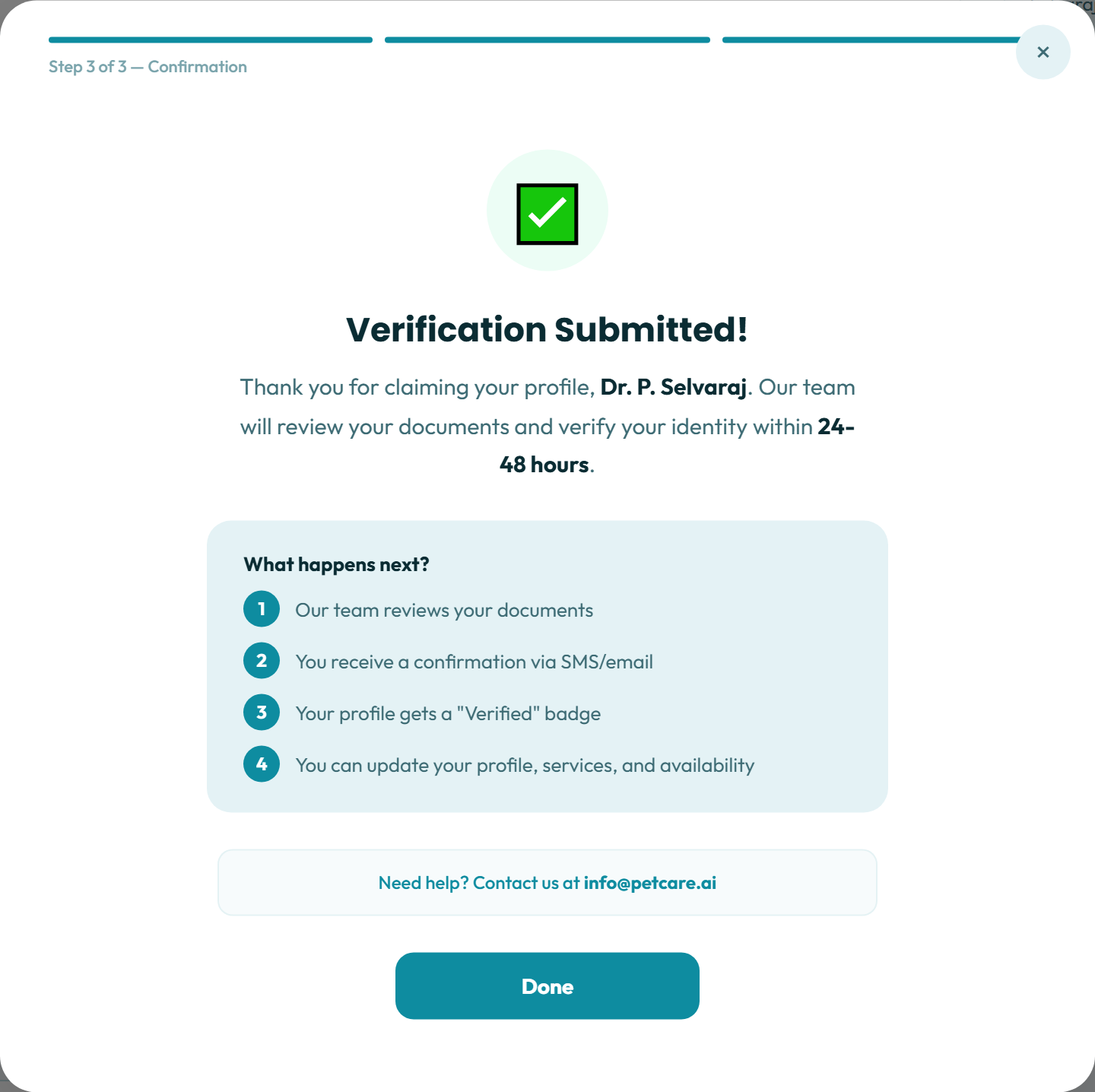
Claim submitted
- ✓Our team reviews your documents and verifies you within 24 to 48 hours.
- ✓You get a confirmation by SMS and email — nothing further is needed from you.
- ✓Your profile then carries a Verified badge and is yours to edit.
5
Showcase your clinic
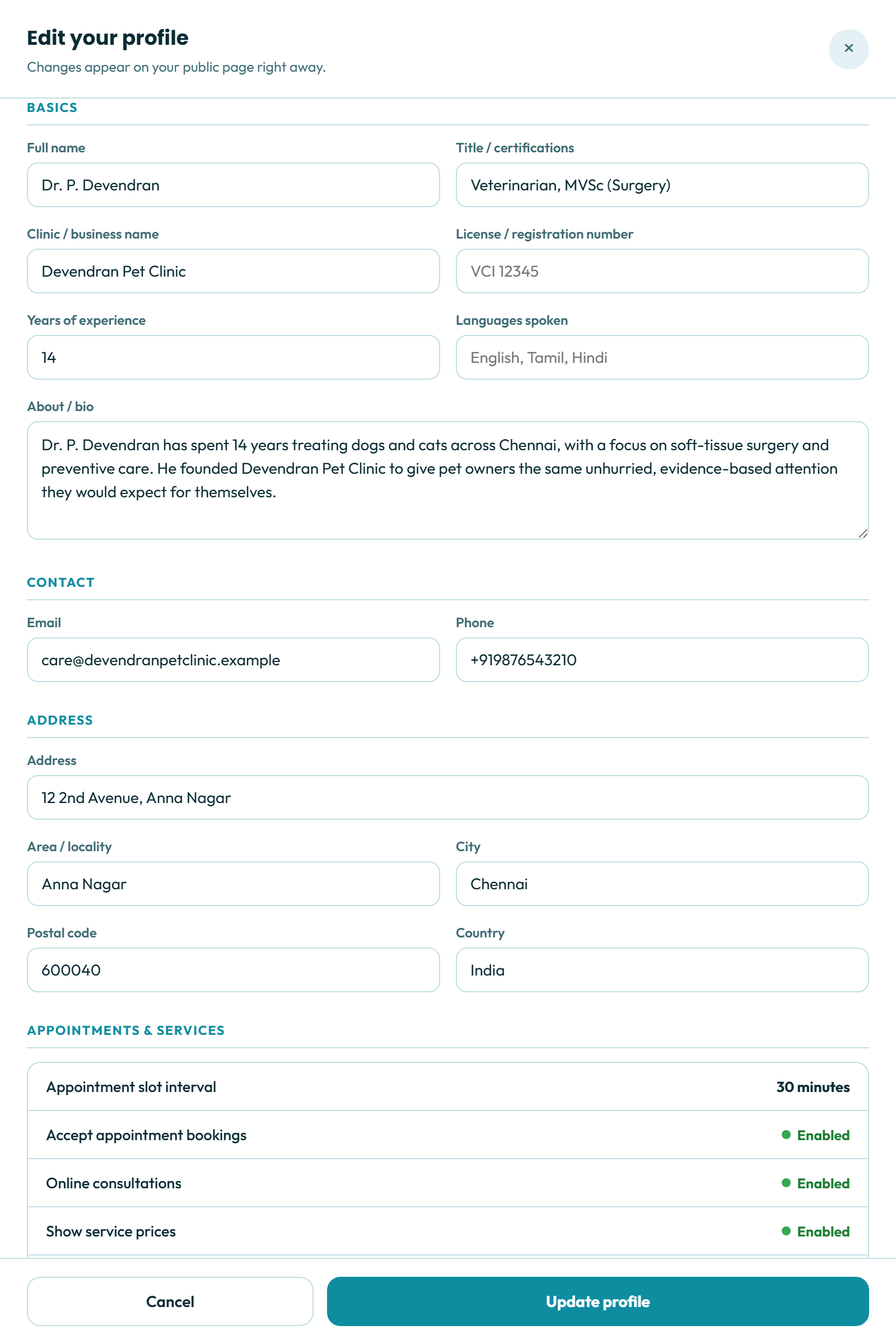
- ✓Set your name, qualifications, clinic name, licence number and years of experience.
- ✓Add an About section, your contact details and the full clinic address.
- ✓Changes appear on your public page right away.
6
Appointments and services
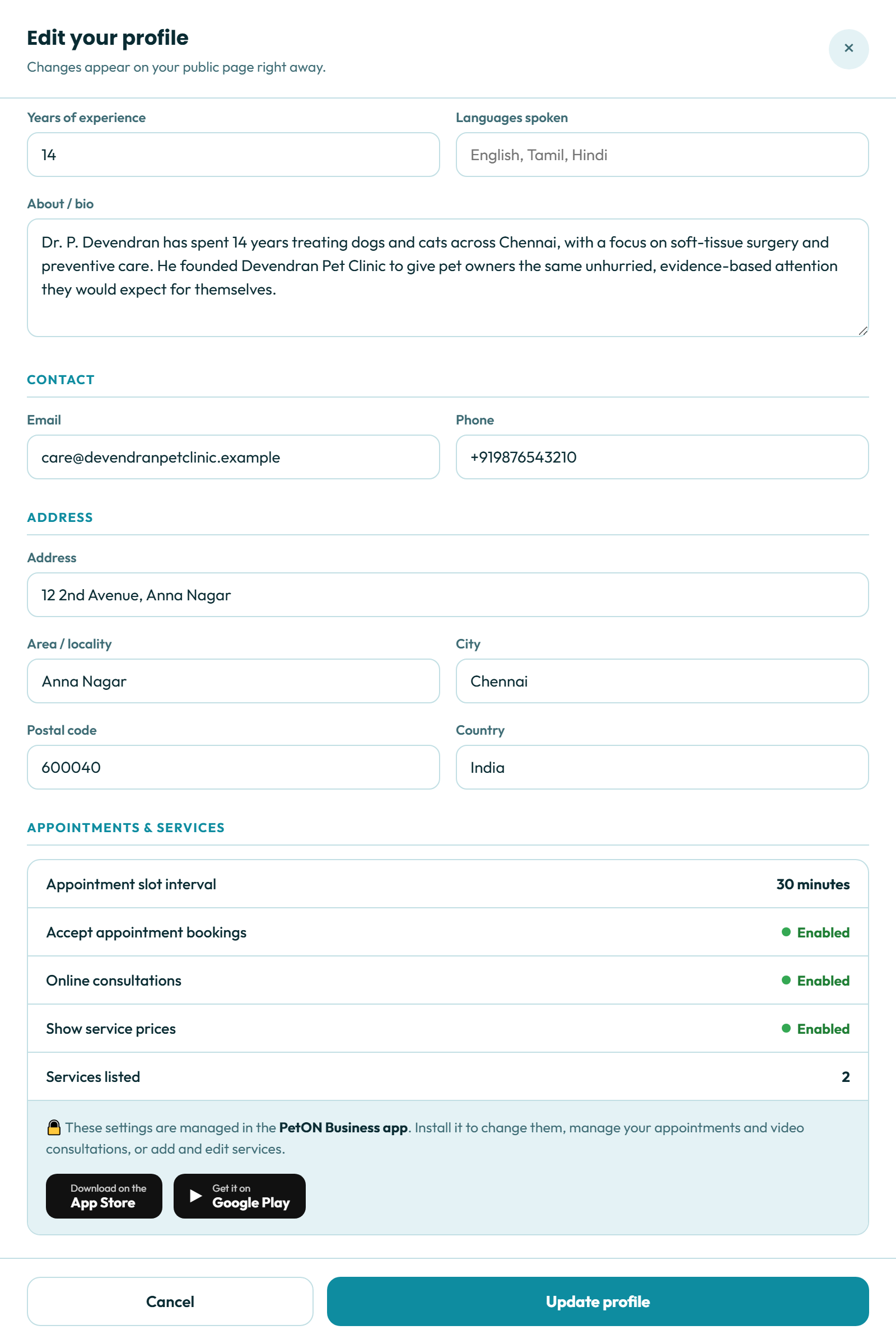
- ✓Your booking status, slot interval and number of listed services are shown here.
- ✓On the web these are read-only — the page reflects them, it doesn’t set them.
- ✓Install the PetON Business app to change them, or to add and edit services.
🐾
Ready to claim your profile?
Find your clinic on PetCare.AI and make the listing yours in a few minutes.